
Download Klondike Solitaire Collection Classic – solitaire, classic card game, Klondike, Spider, FreeCell, daily challenges, customizable, mobile app
Overview
Klondike Solitaire Collection Classic is a mobile application designed for enthusiasts of traditional card games, offering a curated selection of widely recognized solitaire variants. The app brings together classic gameplay mechanics from Klondike, Spider, and FreeCell, delivering a versatile experience that appeals to both casual players and seasoned solitaire fans. Its core purpose is to provide a reliable, engaging, and accessible platform for single-player card gaming, combining timeless rules with modern enhancements to maintain player interest over time.
By integrating daily challenges and a variety of card deals, the app addresses the common challenge of game fatigue, encouraging continued engagement through structured objectives. This makes it particularly useful for users seeking mental stimulation during short breaks or leisure time. The target audience includes individuals looking for a low-pressure, self-paced activity that promotes focus and strategic thinking. The developer, K30 Games, appears to focus on delivering polished, user-centric utility games within the casual gaming space, though no additional background information was provided.
Real-world use cases include using the app during commutes, waiting periods, or as a calming routine before sleep. In the broader app ecosystem, Klondike Solitaire Collection Classic fills a niche for accessible, offline-capable games that require no in-app purchases or internet connectivity. It stands out by balancing authenticity with subtle innovations, making it a valuable tool for those who appreciate the elegance of classic card play in a digital format.
Key Features & Functionality
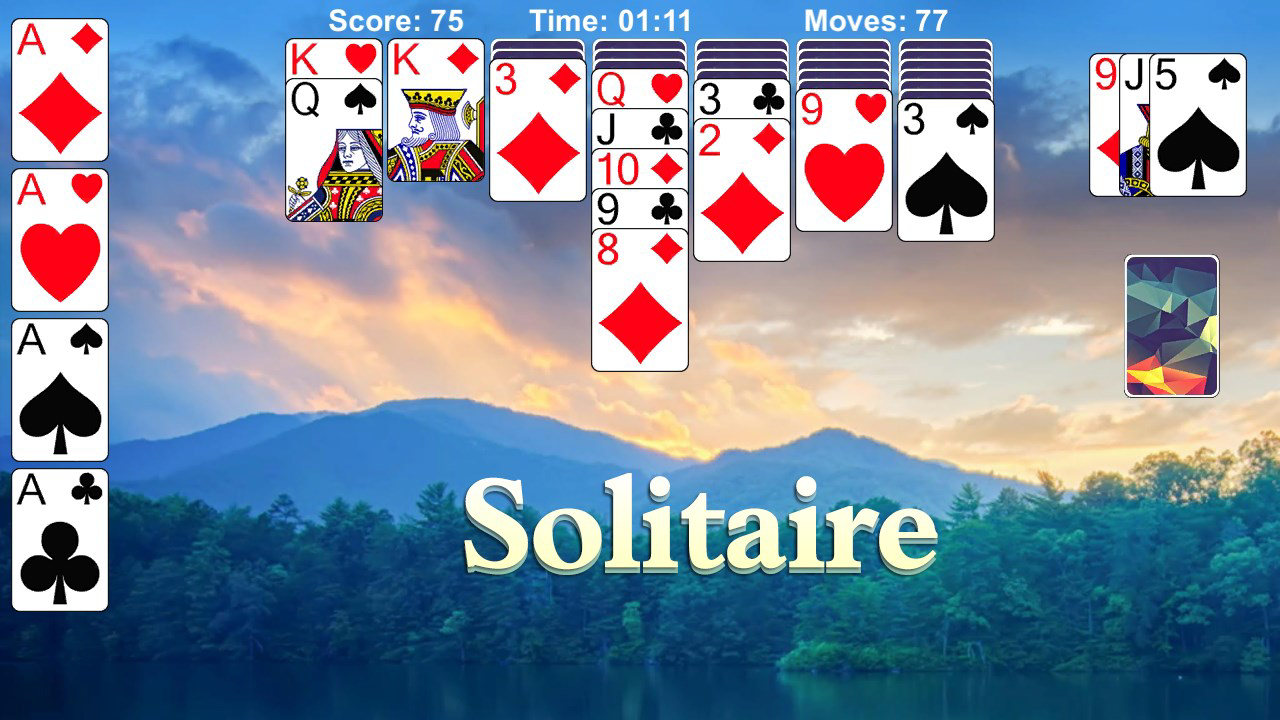
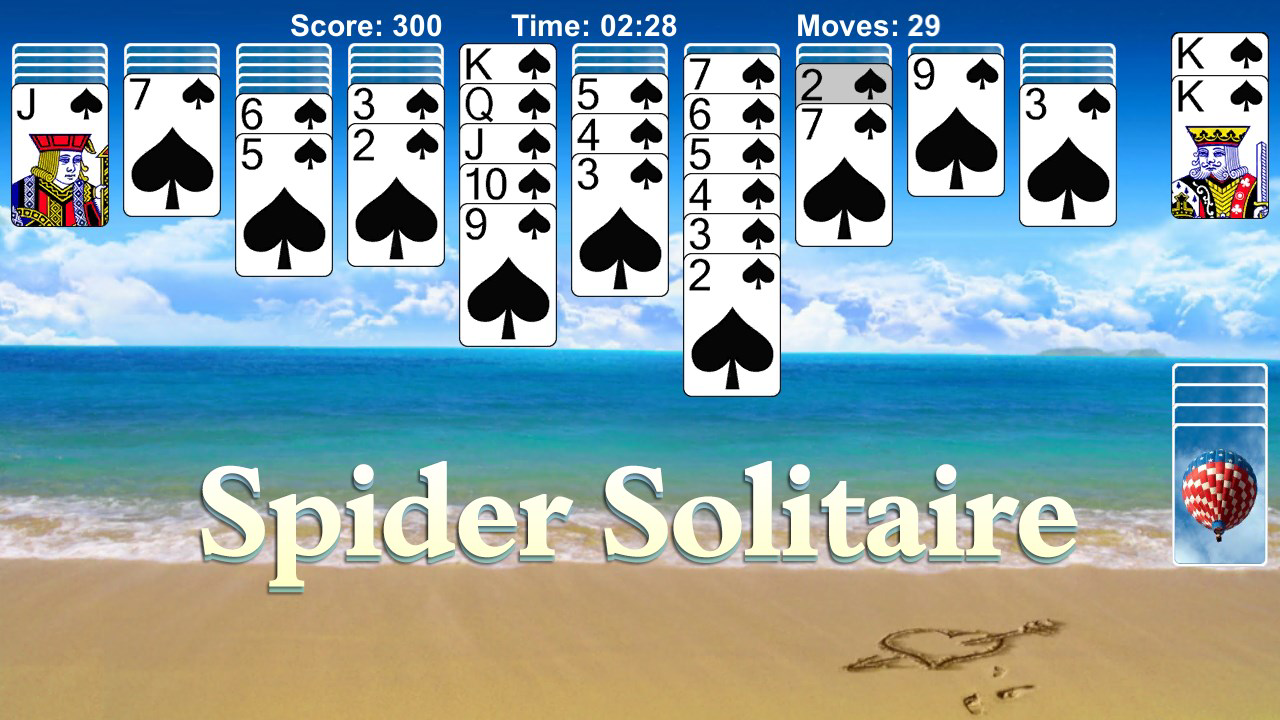
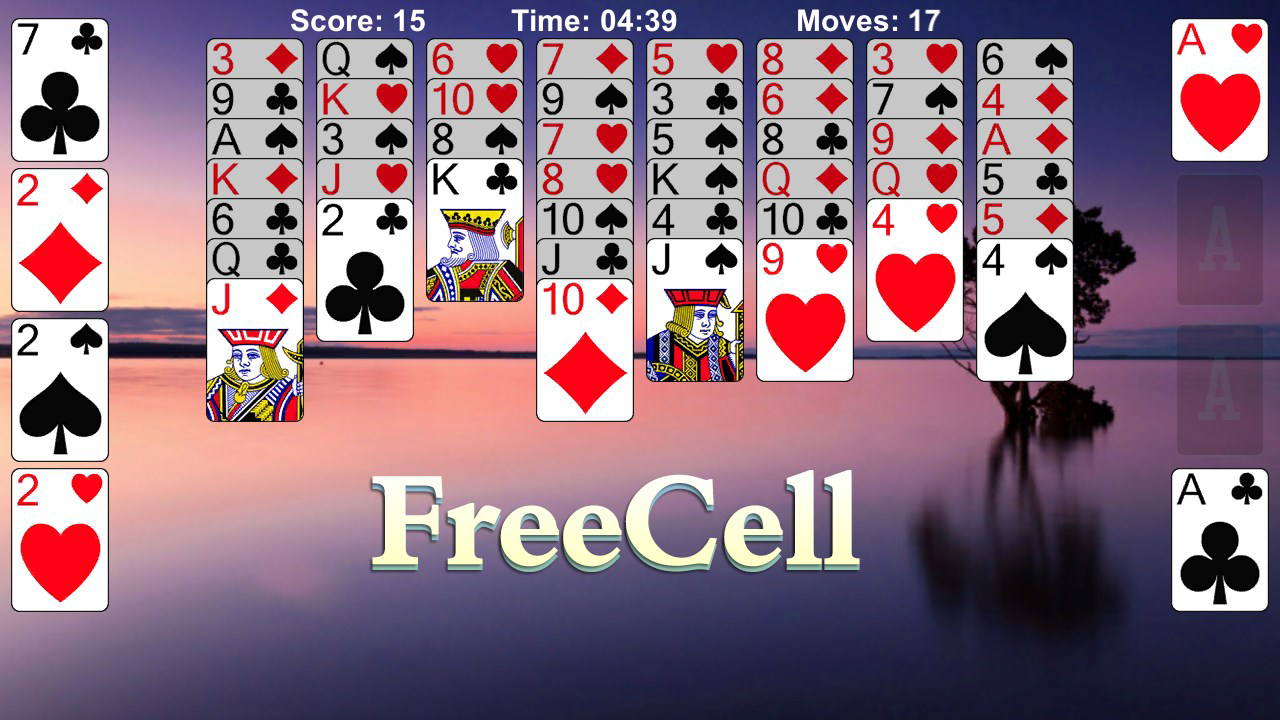
- Classic Solitaire Variants: The app supports multiple established solitaire formats, including Klondike, Spider, and FreeCell, each following traditional gameplay rules. This allows players to switch between different styles based on preference or challenge level.
- Daily Challenges: A rotating set of daily objectives introduces new goals each day, encouraging consistent play and helping users track progress over time. These challenges may include completing games within a specific number of moves or using limited undo attempts.
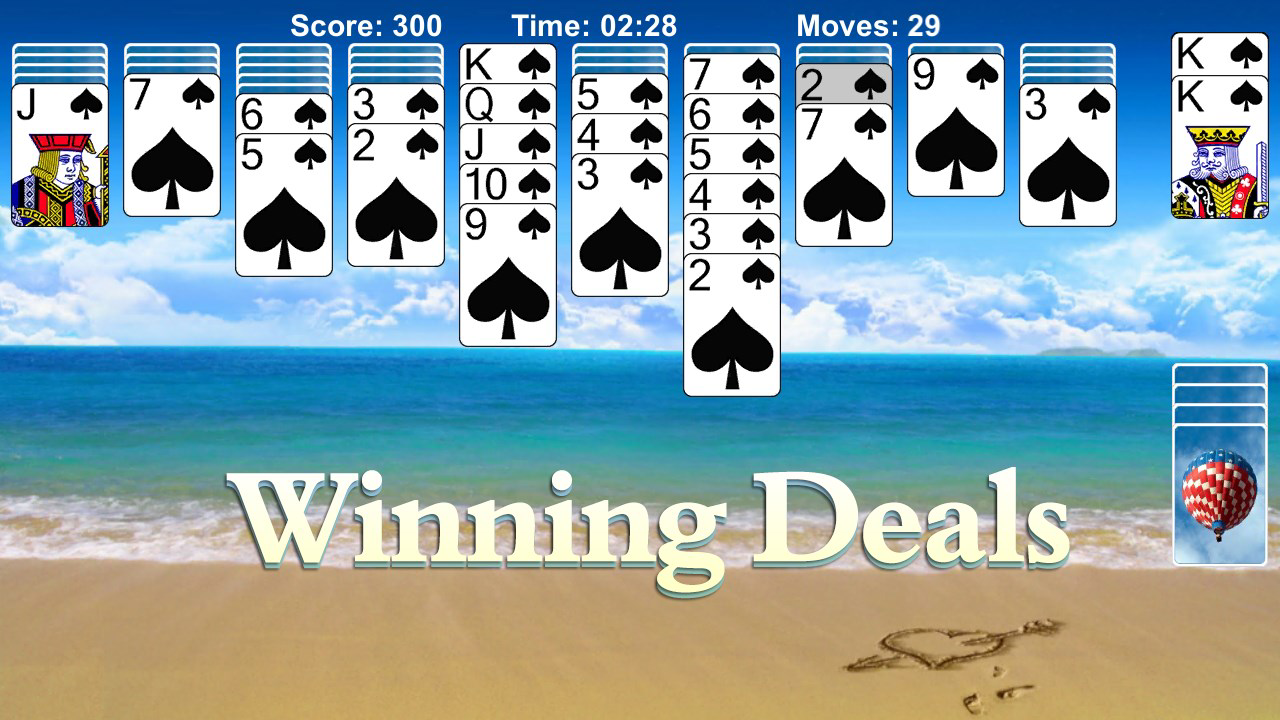
- Winning Deals: The app features pre-designed card layouts that increase the likelihood of successful gameplay, particularly beneficial for beginners or those returning after a break. This design choice reduces frustration and supports a more rewarding experience.
- Undo & Smart Hint System: Players can reverse their last move using the undo function, offering a safety net during complex decisions. The smart hint feature provides context-aware suggestions, helping users overcome difficult positions without removing the challenge.
- Customization Options: Users can modify card designs and background themes, allowing for personalization of the visual interface. This feature enhances immersion and enables players to tailor the app to their aesthetic preferences.
- Auto Save Functionality: Progress is automatically saved, enabling players to pause and resume games at any time. This is especially useful for those with unpredictable schedules or limited playtime per session.
These features collectively support a flexible and forgiving gameplay experience. For example, a commuter might use the auto-save to pause mid-game during a train ride, later resuming with the smart hint to overcome a tough position. Similarly, a player new to Spider Solitaire could benefit from winning deals and hints to build confidence before attempting more complex configurations.
Interface, UX & Performance
The app’s user interface appears to follow a clean, minimalist design typical of classic card games, with intuitive layout and clear visual hierarchy. Card placement, drag-and-drop mechanics, and button accessibility are likely optimized for touchscreens, ensuring smooth interaction across various Android devices. Navigation is expected to be straightforward, with minimal onboarding, allowing users to start playing immediately.
Although the developer did not list formal performance metrics, the app’s 150 MB file size suggests it is lightweight and designed for efficient operation. This size typically indicates optimized assets and minimal background processes, which contributes to stable performance on mid-range and older Android devices. Responsiveness is likely maintained through efficient rendering of card animations and transitions, reducing lag during gameplay.
Stability appears to be a priority, especially given the inclusion of auto-save and undo features, which require consistent data handling. While no user reports or crash statistics were provided, the absence of known issues in the app’s description implies a focus on reliability. The app functions without requiring internet access, making it suitable for use in low-connectivity environments.
Platform Compatibility & Technical Requirements
Klondike Solitaire Collection Classic is available exclusively on the Android platform. The current software version is 1.2.3, with a file size of 150 MB. The developer did not specify minimum OS requirements or device compatibility details.
Given its size and nature as a card game, the app is expected to run on a wide range of Android devices, including older models with modest hardware specifications. However, specific requirements such as minimum Android version or RAM were not disclosed. Compatibility information was not fully disclosed, so users should verify device compatibility through the official app store before installation.
Pros and Cons
Pros
- Supports multiple classic solitaire variants including Klondike, Spider, and FreeCell.
- Includes daily challenges to maintain long-term engagement.
- Offers undo and smart hint features for improved gameplay flexibility.
- Highly customizable interface with card and background options.
- Auto-save function enables seamless game continuity.
- Free to download and use without in-app purchases.
Cons
- Minimum OS and device requirements were not listed.
- Developer did not provide detailed performance or stability metrics.
- Platform availability is limited to Android only.
- Customization options may be limited without further details.
- Specific update frequency or release schedule was not disclosed.
FAQ
Is Klondike Solitaire Collection Classic free to download?
Yes, the app is available at no cost. It does not require payment for access to core features or gameplay.
Can I play the game offline?
Yes, the app functions without an internet connection, making it suitable for use in areas with limited or no connectivity.
Does the app support multiple solitaire types?
Yes, the app includes several popular solitaire variants such as Klondike, Spider, and FreeCell, each following traditional rules.
How often are new challenges added?
New daily challenges are introduced each day, providing fresh objectives to keep gameplay engaging over time.
Is my progress saved automatically?
Yes, the app includes an auto-save feature that tracks your game state, allowing you to resume play at any time.
Final Thoughts
Klondike Solitaire Collection Classic delivers a well-rounded experience for fans of classic card games. Its blend of traditional solitaire formats, daily challenges, and thoughtful features like undo, hints, and auto-save makes it a reliable choice for casual and dedicated players alike. The app’s lightweight design and offline functionality enhance accessibility, while customization options allow users to shape their own gaming environment.
Although detailed technical specifications were not provided, the app’s structure suggests a focus on usability, stability, and long-term engagement. It is particularly beneficial for individuals seeking a mental break, a relaxing activity, or a way to pass time with purpose. For those who enjoy solitaire on their smartphone, this app offers a secure, free, and satisfying experience.
Download Klondike Solitaire Collection Classic now


